How to choose a PC that fits your day.
Turn a list of games, applications, monitors and priorities into a buying brief. Compare the full cost, exact configuration and seller support before committing to a desktop.
Read the PC buying checklistGAMING. CREATING. WHAT'S NEXT.
Find a desktop that fits what you do and what you want to spend. Compare the specs, understand the tradeoffs, and choose your next step.
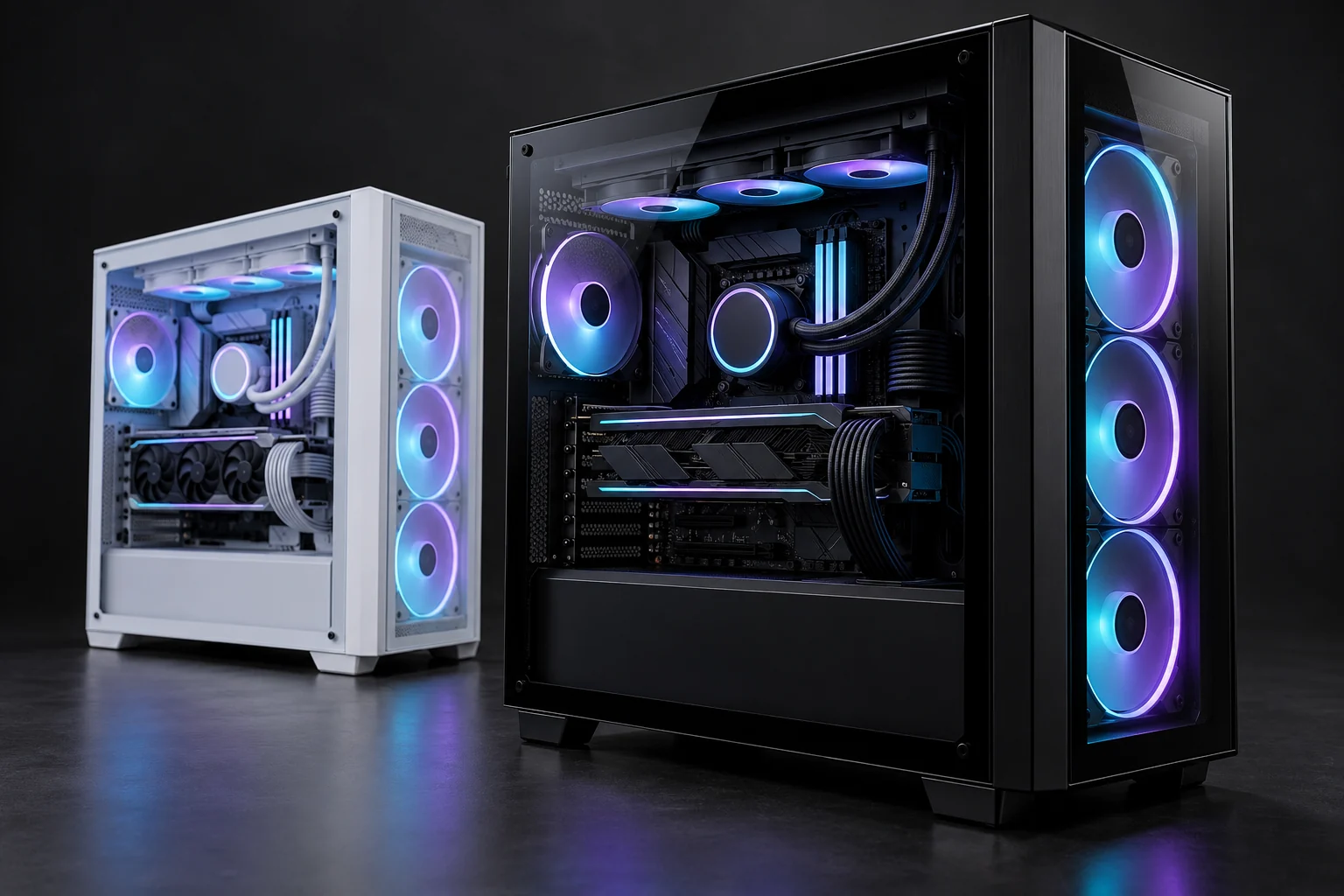
Use case, budget and what matters to you.
See PCs and the specs worth checking.
Order a qualified PC from PCFitGuide, or browse all comparisons.
01 / FIND YOUR FIT
Tell us what you need.
Compare the options below.
From a practical gaming desktop to a specialist workstation.
BUILD DIRECTIONS Supplier quotes required
WAYS WE CAN HELP
Ask for a supplier-fulfilled quote, a recommendation you can buy directly from its provider, an optional hard-to-find sourcing search, or guidance before deciding.
QUOTE REQUESTS Confirmed price before payment
A direct-purchase recommendation identifies the independent provider and sends you to that provider’s own terms and checkout only after the specific listing is verified. A sourcing request does not promise availability or price.
BUILD ON WHAT YOU HAVE
Explore exact parts, collect a shortlist,
and ask us to check the fit.
02 / MAKE WHAT YOU HAVE WORK BETTER
A slow or struggling PC doesn’t always
need replacing. Start with safe checks.
Tell us what’s happening. We’ll suggest safe checks and when to ask a qualified technician for help.
03 / A LITTLE KNOWLEDGE GOES A LONG WAY
Useful explanations for
better buying decisions.
Turn a list of games, applications, monitors and priorities into a buying brief. Compare the full cost, exact configuration and seller support before committing to a desktop.
Read the PC buying checklistSystem memory helps your applications work together. Graphics memory holds data used by the GPU. Understand why their capacities are separate, what shared memory means, and what to check for your workload.
Understand RAM vs VRAMResolution, refresh rate and game settings describe different goals. Learn how to compare graphics evidence for your display instead of relying on a vague “4K ready” label.
Match your monitor and graphicsSocket, firmware, memory, clearance, cooling and power all need exact checks. Use a practical checklist to collect evidence and identify what the seller still needs to confirm.
Use the PC compatibility checklistASK ABOUT YOUR PC
Ask about a listed PC or get help
finding the right configuration.
Your request is nonbinding and does not place an order, reserve a product, or authorize payment.
CONTACT & PRIVACY
PCFitGuide provides general educational guidance and accepts nonbinding requests for help. When an exact reviewed offer includes PCFitGuide checkout, checkout may place a temporary payment authorization under the linked order, return and support terms; other requests do not place an order or authorize payment.
The request form collects your name, email, optional message, and current PC requirements so we can reply. We securely store the request and use an email notification service to alert our team. Contact hello@pcfitguide.com with retention or deletion questions. We do not use inquiry details as a marketing signup.
The buying directory uses ordinary external links. Any commission-paying product links are marked “Affiliate link”; PCFitGuide may earn a commission from those marked links. Purchases through seller links happen at the independent merchant. A recommendation or sourcing request does not promise product availability, compatibility, performance, price, delivery, support, warranty, or return terms.